
Once your job post is live, you can close it at any time.
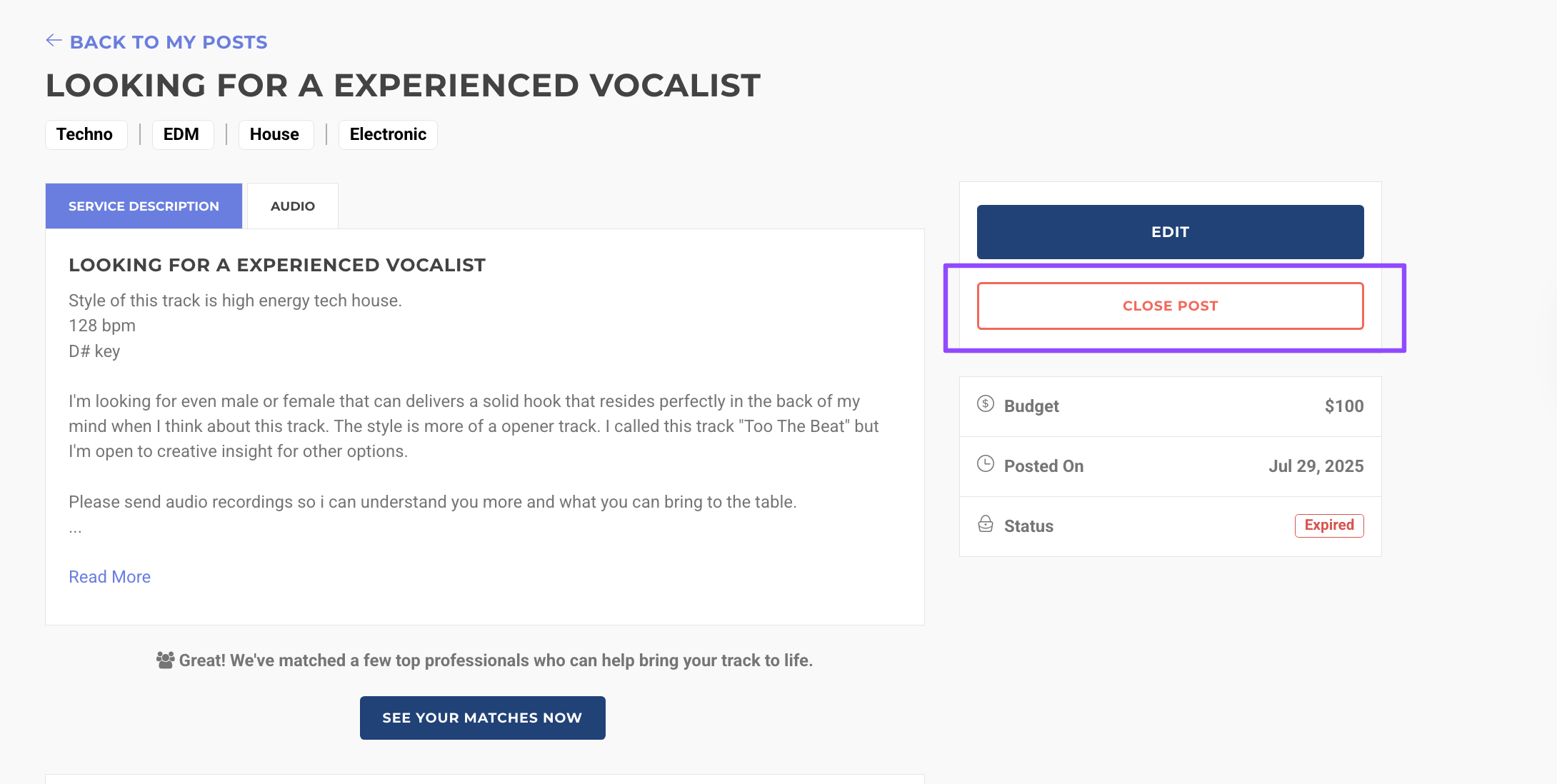
To do so, click MY POSTS in the BUYER navigation panel, select your active post, and then click the CLOSE button.

What can we help you with?
Get help straight from the team at AirGigs
General Questions
Last updated on 16 Feb, 2026
Once your job post is live, you can close it at any time.
To do so, click MY POSTS in the BUYER navigation panel, select your active post, and then click the CLOSE button.